Frequently asked questions
Is ZEEP free?
Yes. The ZEEP editor is fully free, and it stays that way. Every tool, every lane and every export format is included. ZEEP Pro is an optional subscription that adds Library folders, Projects and OneDrive sync.
Does ZEEP have ads?
No. ZEEP has no ads, so nothing interrupts your edits. The app contains no ad SDK.
Do I need to log in or create an account?
No. There is no login. Install ZEEP, open it, and start editing.
Does editing work offline?
Yes. Editing runs on your phone, including Denoise, which uses an AI model stored in the app. Every tool works in airplane mode.
Does ZEEP upload my audio?
No. Your audio stays on your phone. It leaves only when you share or save it somewhere yourself, or when you connect a folder to your own OneDrive with ZEEP Pro. Anonymous usage statistics and crash reports are off until you agree to them, and they never include your audio or file names.
What does ZEEP Pro add?
Two-way sync of Library folders and Projects with your own OneDrive, which is how you reach your files from your PC and pick up a Project on your tablet. Pro also adds Projects (keep several editing sessions and switch between them with every edit intact) and folders in the Library. Pro is a monthly or annual subscription through Google Play. More about Pro
Which formats can ZEEP export?
MP3 (128, 192 or 320 kbps), M4A with AAC (128, 192 or 256 kbps), WAV (16-bit) and FLAC. The editor exports into your Library as FLAC; from there you share or save in any of these formats, or as the original file. ZEEP imports almost any audio format, and the sound from video files.
Can ZEEP remove background noise?
Yes, from voice recordings. Denoise keeps the voice and turns steady noise down: fans, traffic, air conditioning, hiss. It is not for music or sound effects; for those, the Equalizer's Hiss, Hum and Rumble picks remove a specific noise. Clean up a voice recording
Can I mix several audio files together?
Yes. ZEEP is a multitrack editor: put clips on separate lanes and they play together, or place them one after another on the same lane and join them into one clip. How lanes work
Which Android version do I need?
Android 9 or newer. ZEEP runs on phones and tablets.
Does ZEEP work on tablets?
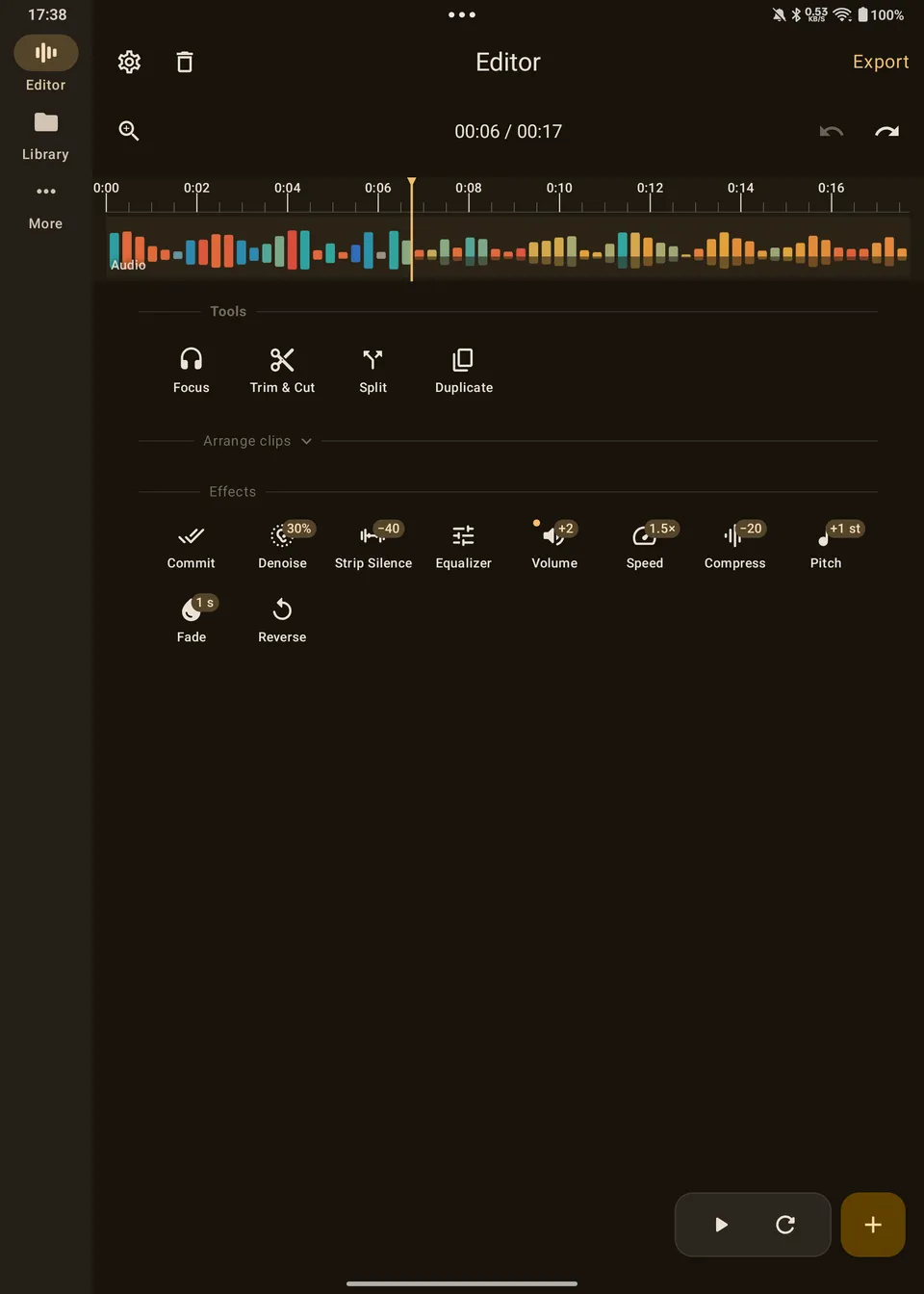
Yes. On a tablet, navigation moves to a side rail and the Library shows your file list and the selected file side by side. The full-screen landscape editing view is made for phones.
Which languages does ZEEP support?
English. The app is currently available in English only.